Back Housing / Glass Damage
Read more
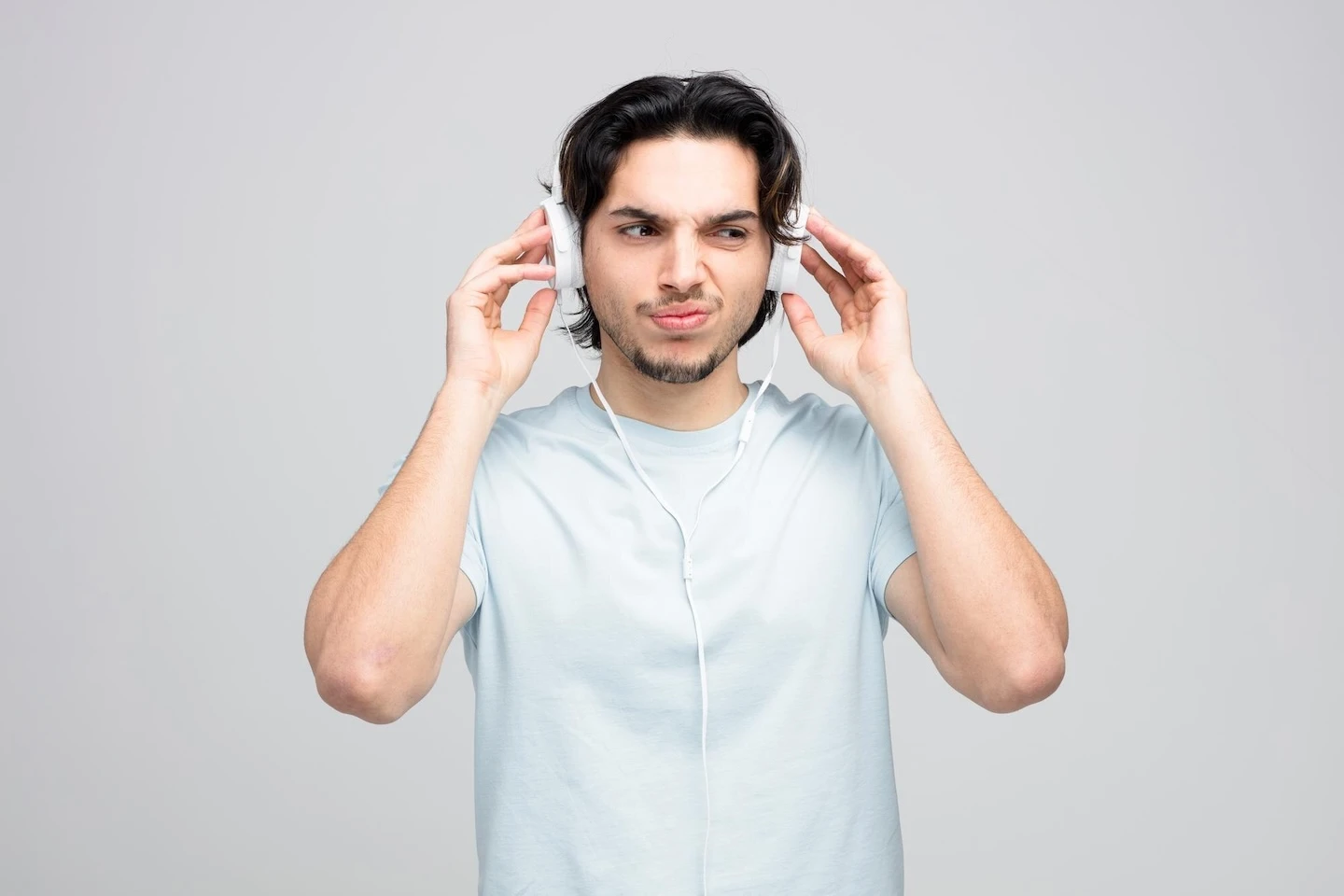
If the sound from your computer or mobile device is hissing, crackling, or fading in and out when you use headphones, it could be your headphone jack. If you have tested your headphones with other devices to ensure that they are working correctly, the problem is most likely in the jack. However, there are some simple things that you can do to try to solve the problem before seeking repair.
The headphone jack may be dusty or dirty. You can try using compressed air to clean out the debris to see if this solves your issues. You may also try gently removing lint and cleaning a jack using a damp toothpick; however, you’ll need to be extremely careful when inserting the toothpick into the jack to avoid further damage.
Another troubleshooting hack to try is checking your computer or device settings. You might need to update a driver or adjust the volume. Sometimes a device will automatically mute the volume when headphones are plugged in or removed. You should also check the connection by removing the headphones and re-inserting them. They might be improperly inserted. Finally, try restarting the device to see if it solves the problem.
If you cannot get your headphone jack working with cleaning or other troubleshooting methods, the experienced technicians at Cell Phone Repair can help you fix the problem quickly. We offer same-day walk-in repairs. You can often have your device repaired on-site while you wait. If you don’t live near a local store or don’t have time to stop in, you can use our mail-in repair service. We will repair your headphone jack and mail it back to you.
Other Issues



Get It Fixed Today!
CPR Cell Phone Repair can provide holistic warranty and repair solutions for all of your business’ devices.
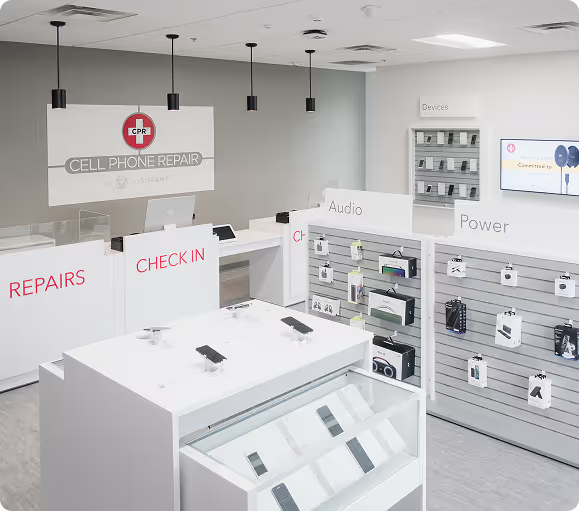
Buy or Sell Your Device
CPR Cell Phone Repair can provide holistic warranty and repair solutions for all of your business’ devices.




All CPR Stores are independently owned and operated and may not offer all of the repair and warranty types listed on this website. Contact your local store for their specific repair capabilities and warranty terms. MMI-CPR, LLC and CPR Stores are not liable for warranties made by third parties on specific accessories or devices sold at CPR Stores. All product and company names are trademarks of their respective holders. iPhone, iPad, iPod, iPod touch, Mac and iMac are registered trademarks and property of Apple, Inc. CPR is a third-party repair company and is not affiliated with Apple.
Headphone Jack Replacement & Repair
If the sound from your computer or mobile device is hissing, crackling, or fading in and out when you use headphones, it could be your headphone jack. If you have tested your headphones with other devices to ensure that they are working correctly, the problem is most likely in the jack. However, there are some simple things that you can do to try to solve the problem before seeking repair.
The headphone jack may be dusty or dirty. You can try using compressed air to clean out the debris to see if this solves your issues. You may also try gently removing lint and cleaning a jack using a damp toothpick; however, you’ll need to be extremely careful when inserting the toothpick into the jack to avoid further damage.
Another troubleshooting hack to try is checking your computer or device settings. You might need to update a driver or adjust the volume. Sometimes a device will automatically mute the volume when headphones are plugged in or removed. You should also check the connection by removing the headphones and re-inserting them. They might be improperly inserted. Finally, try restarting the device to see if it solves the problem.
If you cannot get your headphone jack working with cleaning or other troubleshooting methods, the experienced technicians at Cell Phone Repair can help you fix the problem quickly. We offer same-day walk-in repairs. You can often have your device repaired on-site while you wait. If you don’t live near a local store or don’t have time to stop in, you can use our mail-in repair service. We will repair your headphone jack and mail it back to you.
Choose what you need fixed to begin your Free repair estimate — we’ll guide you every step of the way.
Smartphone
Computer

Tablet

Console
All CPR Stores are independently owned and operated and may not offer all of the repair and warranty types listed on this website. Contact your local store for their specific repair capabilities and warranty terms. MMI-CPR, LLC and CPR Stores are not liable for warranties made by third parties on specific accessories or devices sold at CPR Stores. All product and company names are trademarks of their respective holders. iPhone, iPad, iPod, iPod touch, Mac and iMac are registered trademarks and property of Apple, Inc. CPR is a third-party repair company and is not affiliated with Apple.