Read more





Other
Smartphone Backlight Failure: Causes, Symptoms, and Reliable Repair Solutions
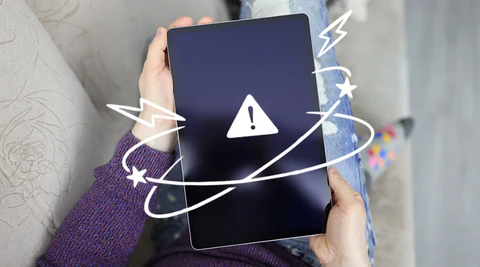
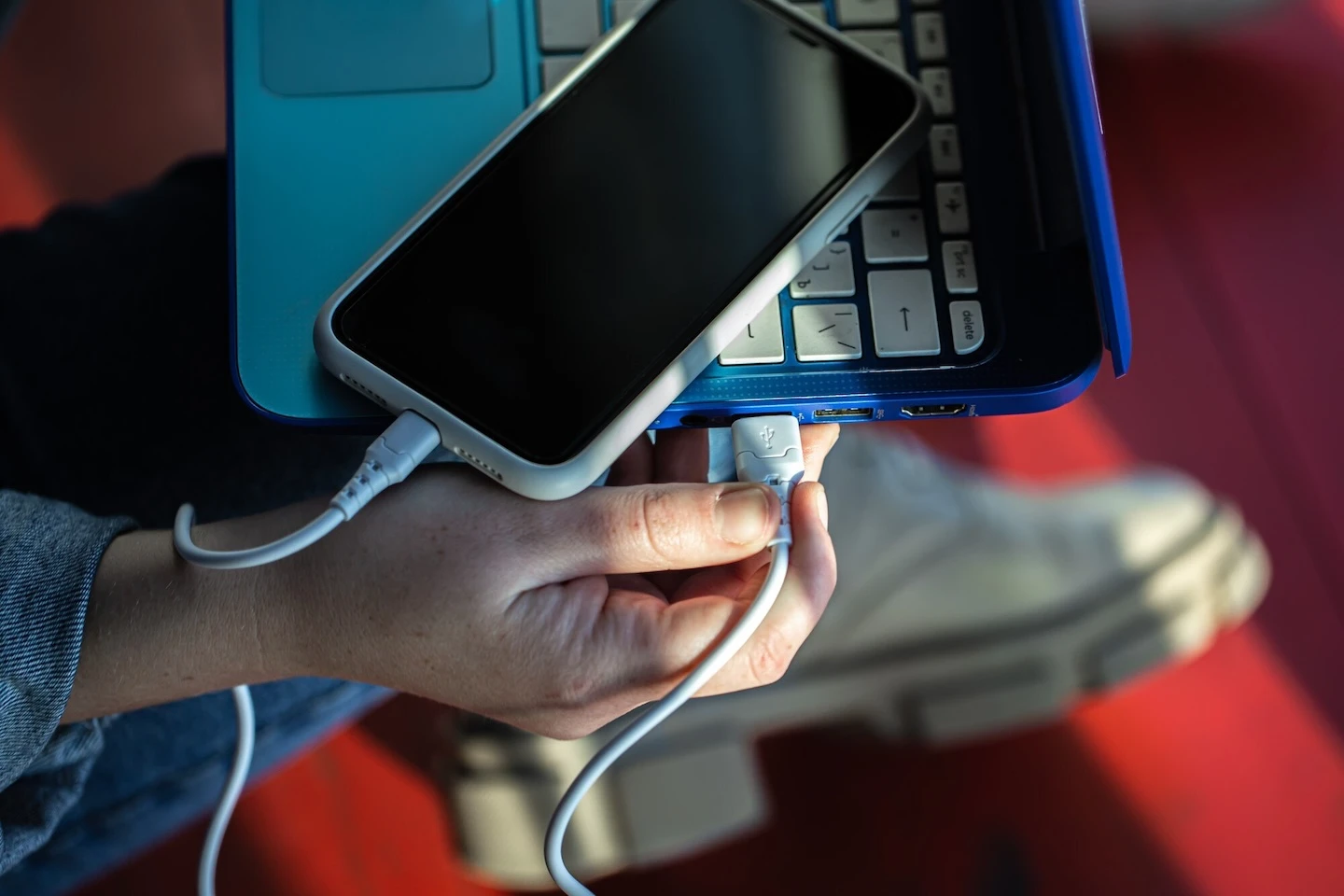
A smartphone screen going completely black can be alarming. Many users immediately assume the device is dead or beyond repair. However, in a significant number of cases, the issue is actually backlight failure—a technical but fixable problem affecting the screen’s visibility, not the phone’s core functionality.
What Is Backlight Failure in Smartphones?
The backlight is the component that illuminates your smartphone’s display. Without it, the screen cannot be seen, even though the phone itself may still be powered on and working normally.
Typical signs include:
- The phone vibrates, rings, or receives notifications, but the screen stays black
- A faint image is visible when a light is shined on the screen
- The display flickers before going dark
In these cases, the display panel may still be functional—the issue lies specifically in the lighting system behind it.
Common Causes of Smartphone Backlight Failure
Backlight issues are usually hardware-related and often require deeper technical intervention. The most common causes include:
1. Backlight IC (Integrated Circuit) Damage
The backlight IC regulates power to the screen’s lighting system. When it fails, the display loses illumination entirely—even though the phone is still running.
2. Power Management (PMIC) Issues
The Power Management IC distributes voltage across the device. A fault here can prevent proper power delivery to the backlight circuit.
3. Physical Impact or Drop Damage
A drop can loosen internal connectors or damage the backlight circuitry, even if the screen glass appears intact.
4. Liquid Damage
Exposure to moisture can corrode internal components, especially the delicate backlight circuit pathways.
5. Faulty Display Connector or Flex Cable
Loose or damaged display cables can interrupt the connection between the motherboard and the screen’s lighting system.
How to Get Your Smartphone Fixed
If your smartphone is showing signs of backlight failure, the most effective approach is to seek professional repair.
You can locate a nearby repair store by visiting: www.cellphonerepair/locations
A certified technician can quickly assess the issue and determine whether your device needs:
- Backlight circuit repair
- Display replacement
- Or deeper internal servicing
Get Started — We’ll Help You Fix It
Choose what you need fixed to begin your Free repair estimate — we’ll guide you every step of the way.
Smartphone

Computer
Tablet

Console



All CPR Stores are independently owned and operated and may not offer all of the repair and warranty types listed on this website. Contact your local store for their specific repair capabilities and warranty terms. MMI-CPR, LLC and CPR Stores are not liable for warranties made by third parties on specific accessories or devices sold at CPR Stores. All product and company names are trademarks of their respective holders. iPhone, iPad, iPod, iPod touch, Mac and iMac are registered trademarks and property of Apple, Inc. CPR is a third-party repair company and is not affiliated with Apple.